
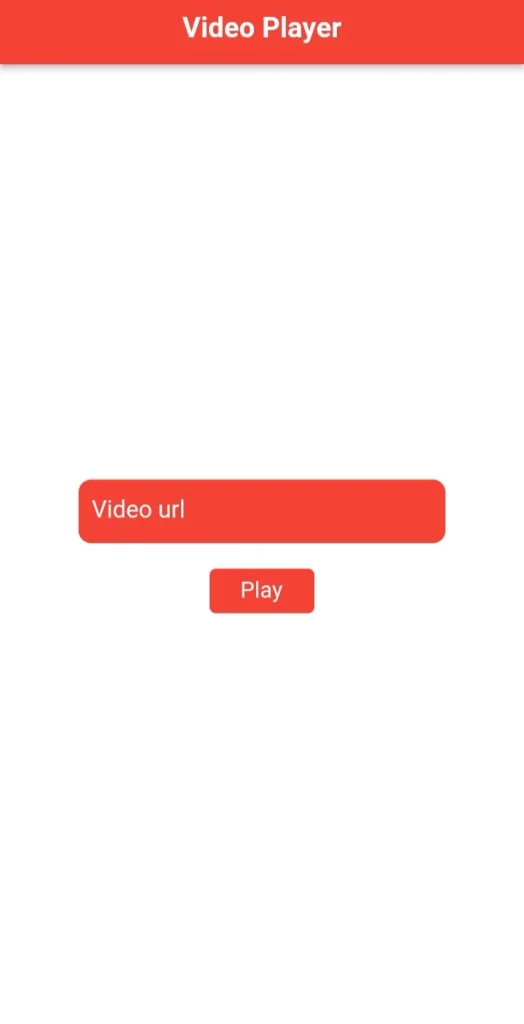
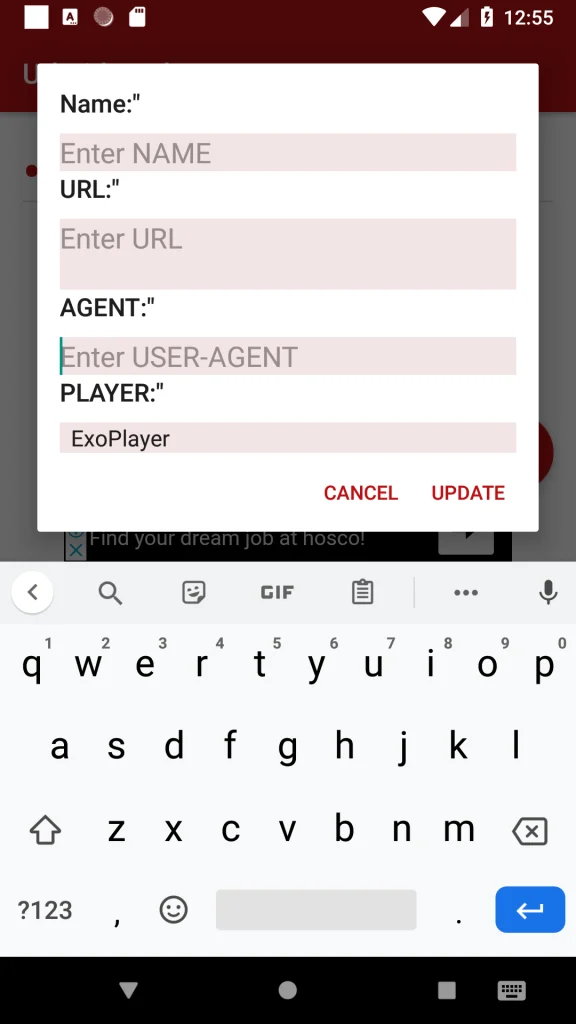
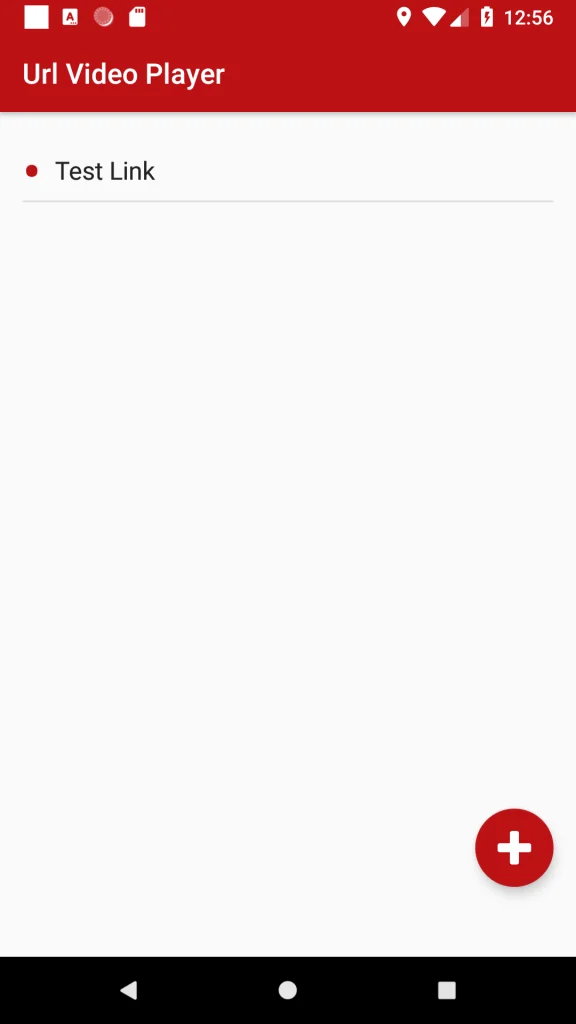
A Url Video Player APK offers a much easier route: paste a supported video link and play the content directly. This type of player is useful for people who regularly work with direct video URLs, online media streams, hosted files or network-based video sources. Instead of storing every file locally, the app fetches the video from its source and plays it on demand.
That sounds straightforward, but the quality of the experience depends heavily on the link format, internet connection, codec support and the player itself. Understanding these details can save a lot of frustration.
Why Play a Video Directly from a URL?
A direct URL player is useful when the video already exists online and downloading it would only create an unnecessary extra step. Suppose a business stores training videos on a private server. An employee receives a direct media link and needs to watch the video on a phone. Rather than downloading a large file, waiting for the transfer to finish and then opening another app, the employee can paste the URL into a compatible player and start watching.
The same approach can be useful for developers checking hosted media, students accessing learning resources or users opening streams from a personal media server. A URL-based player may also reduce local storage use because the full video does not always need to remain on the device after playback.
Video Formats and Streaming Protocols You May Encounter
Support varies between applications, but a capable online video player may recognize several common media types.
MP4
MP4 is one of the most widely supported video containers. Direct MP4 links are usually among the easiest URLs to play across phones, computers, browsers and smart devices.
HLS and M3U8
HLS stands for HTTP Live Streaming. It commonly uses an .m3u8 playlist that points to smaller media segments. HLS can adjust video quality according to the viewer’s connection when the stream is configured for adaptive bitrate playback. This makes it suitable for live broadcasts and longer online video streams.
WebM
WebM is another format commonly used for web-based video. Compatibility depends on the operating system, browser and codecs available inside the player.
Network Streams
Some advanced media players also support protocols such as RTSP, HTTP streams or local network sources. These are often used for cameras, internal networks and specialised streaming systems. Before choosing an app, check its supported formats rather than assuming every player handles every source.
What Makes a Good Url Video Player APK?
A useful player should do more than simply provide a box where you paste a link. Playback reliability comes first. If the application frequently freezes, refuses valid streams or crashes when opening larger files, extra features will not compensate for the basic problem.
Format support is equally important. Someone who only opens MP4 links has different needs from a user who works with HLS playlists and network streams. Other practical features may include:
- Full-screen playback
- Playback speed control
- Subtitle support
- Picture-in-picture mode
- Recent URL history
- Screen orientation controls
- Background audio where supported
- Chromecast or external display support
- Hardware decoding options
A clean interface also matters. Opening a direct stream should not require moving through several confusing menus.
Why Does a Video URL Sometimes Fail to Play?
A failed stream does not always mean the app is broken. The server hosting the content may block outside players. Some websites require authentication, cookies, temporary access tokens or specific request headers before the video can be retrieved.
For instance, a platform may generate a temporary streaming address that works for only a limited period. Copying the same address later may return an error even though the video still exists.
Other common causes include unsupported codecs, incorrect URLs, server downtime, geographic restrictions or an unstable internet connection. A useful troubleshooting approach is:
- Confirm that the URL is still active.
- Check whether it points directly to media rather than a normal webpage.
- Test whether the player’s supported formats include the stream type.
- Try another internet connection.
- Check whether the source requires login or permission.
- Test the same link in another compatible player.
This simple process helps identify whether the problem is the link, server, network or playback software.
Streaming from a URL vs Downloading the Video
Neither method is always better. Streaming is usually preferable when you want quick access and do not need a permanent local copy. It saves storage space and avoids waiting for the entire file to download before playback begins.
Downloading is more practical when the internet connection is unreliable or when you need offline access later. There is also a privacy consideration. Opening a remote video URL sends a request to the hosting server. Depending on how that server is configured, it may receive normal connection information associated with the request.
For sensitive business or private media, users should understand who controls the hosting server and whether the link is intended to be shared externally.
Can You Play Any Online Video by Copying Its Website URL?
A URL video player is not automatically a replacement for the official player used by major video platforms. Websites may use protected streams, authentication systems, DRM or dynamically generated media addresses. Copying the visible page URL from a streaming website therefore does not guarantee that another player can open the content.
This distinction is important because users often confuse a webpage address with a direct media stream. A reliable player should support legitimate direct video links and authorised streams rather than attempt to bypass platform restrictions.
Useful Situations Where URL Playback Makes Sense
Direct-link playback is especially convenient in environments where media already lives on a server. A web developer may use it to verify whether an uploaded MP4 file is working correctly. A company may distribute internal training streams through controlled links. A home user may connect to videos stored on a personal media server. A teacher may provide authorised video resources hosted by an educational platform.
The advantage in each case is the same: the player becomes a viewing tool while the actual video remains at its original location. That can simplify media management significantly when many files are involved. You can also download VivaVideo Mod APK.
What Should You Check Before Choosing a Player?
Start with your actual use case rather than choosing the app with the longest feature list. If you mainly play ordinary MP4 links, look for a lightweight application with fast loading and reliable playback. If you regularly handle M3U8 streams, subtitles or network media, format compatibility becomes much more important.
Also review permissions carefully. A simple media player should have a clear reason for any sensitive device access it requests. Updates matter too. Streaming formats, mobile operating systems and decoding libraries change over time. A player that is actively maintained is less likely to develop compatibility problems as devices evolve.
A Better Way to Think About Direct Video Playback
The important question is not simply whether an app can open a URL. The real question is whether the entire playback chain is compatible. The link must point to usable media. The hosting server must allow access. The network must deliver the stream reliably. The device must support the required decoding and the player must understand the format.
When all of those pieces match, a Url Video Player App can be one of the quickest ways to watch hosted video without downloading it first. For most users, the best option is a player that supports the formats they actually use, opens links quickly and keeps unnecessary complexity out of the way. Before installing multiple apps, identify the type of video URL you normally receive. That single detail often determines which player will work best.


![SD Movies Point APK Download [Latest Version] 2026](https://apkpure.co.in/wp-content/uploads/2023/12/SD-Movies-Point-icon-96x96.webp)


